Methodology
To properly address cases where individual meters have gaps on different dates, and to avoid unnecessary estimation, gap-filling is performed at the individual meter level rather than on aggregated values. All gap-filled meter values are then aggregated as a final step before reporting total consumption and emissions.Gap Filling Algorithm
The following algorithm is used to estimate missing data in accordance with GRESB guidelines.1
Calculate data availability for each meter
Abisko first calculates the data availability for each meter based on its entries over the reporting period. Custom values are used if they are added by a user.Click here to learn about Data Availability.
2
Determine the data completeness for each meter
The data completeness is calculated for every meter over the data availbility period, rather than for over the whole reporting period.Example: For a meter, the data availability spans from 1/1/2024 to 10/31/2024 (304 days) and there is one month of missing data in the middle of the year (e.g. June), then the meter data completeness would be [(304-30)/304] = 90.13% over the data availability period.
3
A gap-filling scaling factor is determined for each meter
The scaling factor is determined by a formula that limits the gap-filling to 20% of the meter’s reported data over the Data Availability period:
- scaling_factor = MINIMUM [1, data_completeness * 1.2] / data_completeness
The scaling factor is based on available data and protects against over-filling. If only 10% of data is missing for a meter, it will be filled to 100%. If 50% is missing, it will be filled to 60%.
4
The total meter energy consumption is scaled for each meter
The scaling factor is multiplied against each meter’s total energy consumed over its Data Availability period.Example: If a meter has 500,000 kWh consumed over its data availability period, the final reported consumption with gapfilling for this meter is 500,000*1.1095 = 554,750 kWh
5
Scale the energy consumption across all relevant meters
Steps [1-4] are applied to all meters associated with a space (e.g. Whole Building (in-metric), Landlord / Tenant (assigned)) before consumption values are aggregated into their respective space-type totals for reporting.
Reporting with Gap Filling
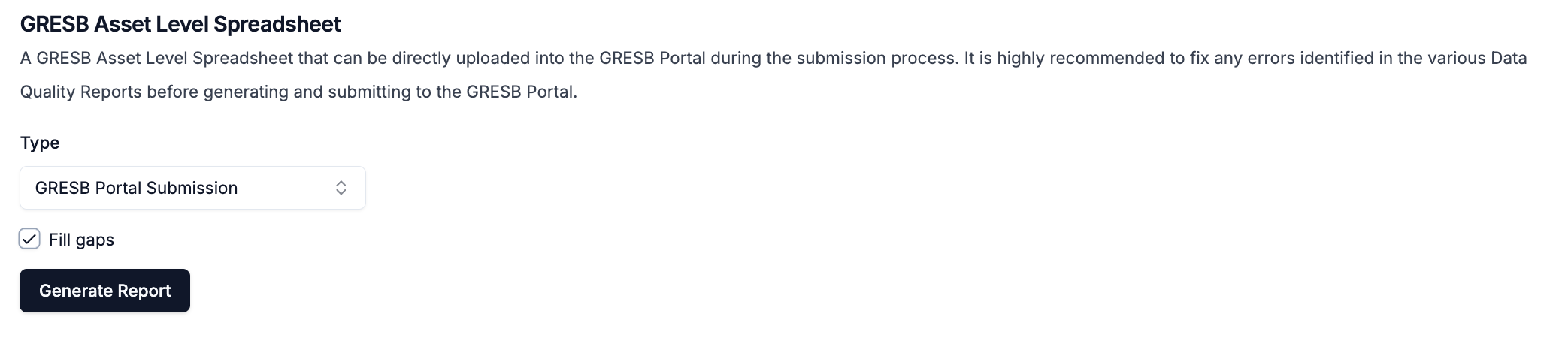
To report estimated data to GRESB, check the box next to Fill gaps when generating an Asset Level Spreadsheet.