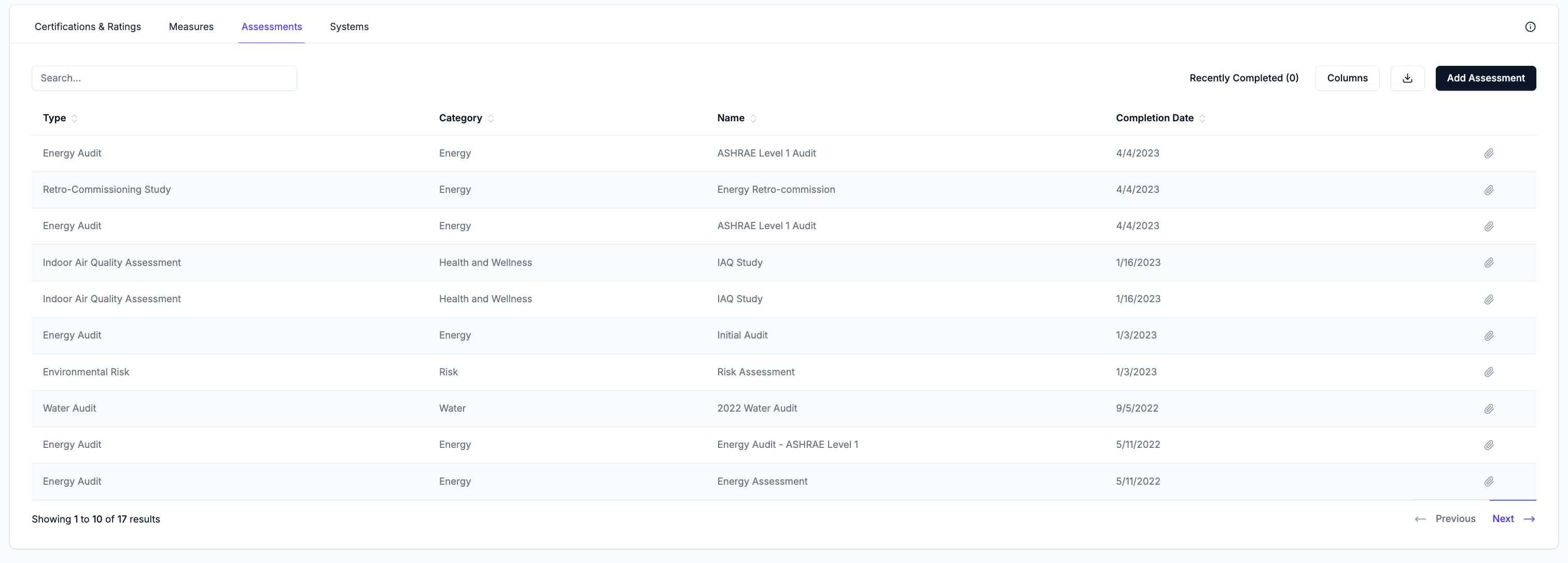
The Assessments tab allows users to record and manage all assessments (e.g. climate risk, energy audit, indoor air quality assessment) that have been conducted at each property.
The table displays all assessments recorded for each property.
The Recently Completed filter at the top right can be toggle to show only assessments that have been completed within the last 12 months. Use the Columns menu to show or hide individual columns and use the search bar to filter records by name. Export all records in the table as a CSV by clicking the download button.
Hover over any row to reveal the edit (pencil) and delete (trash) icons. Click the pencil icon to open the edit form, which contains the same fields as the Add Assessment form. Click the trash icon to delete the record.The paperclip icon is always visible on each row and can be used to attach files directly to an existing record without opening the full edit form.
If any records contain missing or inconsistent data, a warning banner appears at the top of the table. Review the records flagged below the banner to identify and resolve the issue.